How To Use AI to Identify Birds in 2026
A Beginner's Guide to Birdwatching with AI-Powered Apps
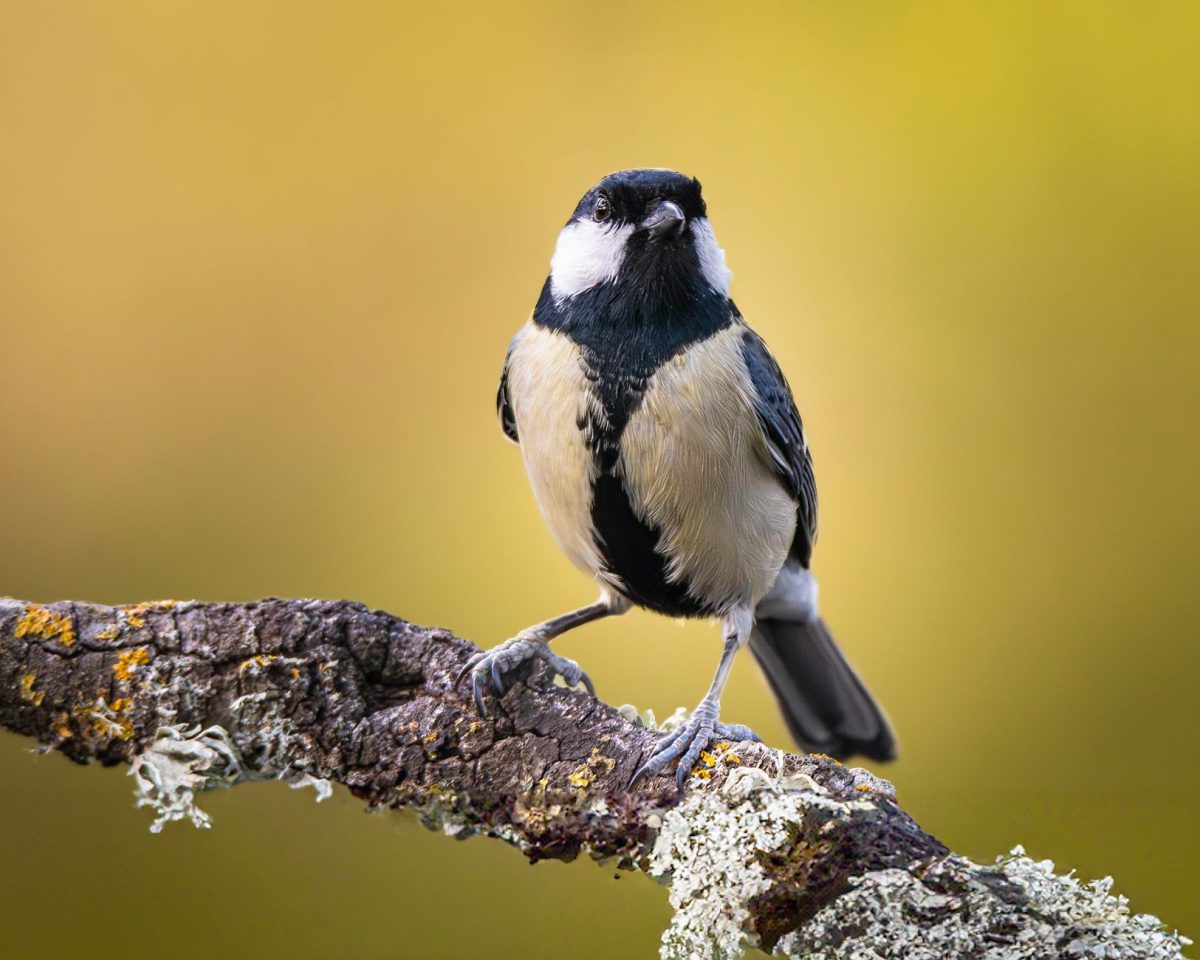
Are you new to birdwatching or struggling to identify birds in the wild? With the rise of AI-powered apps, identifying birds has never been easier. In this guide, you'll learn the best way to use AI to identify birds and take your birdwatching experience to the next level.
Step 1: Download a Bird Identification App
The first step is to download a bird identification app on your smartphone. Some popular options include Merlin Bird ID, iBird Pro, and Audubon Birds. Merlin Bird ID is a great starting point, as it uses AI to identify birds based on your location and the characteristics you input. Download the app and explore its features.
Step 2: Learn the Basics of Bird Identification
Before using AI-powered apps, it's essential to learn the basics of bird identification. Start by studying the different bird families, their physical characteristics, and habitats. You can use online resources like the Audubon Society's bird guide or watch birding tutorials on YouTube. Practice bird identification by observing birds in your backyard or a nearby park.
Step 3: Use the App to Identify Birds
Once you've downloaded the app and learned the basics of bird identification, it's time to use AI to identify birds. Open the app and select the bird you want to identify. Enter the bird's characteristics, such as its size, color, and beak shape. The app will use AI to show you a list of possible matches. Compare the matches to your observations and select the most likely identification.
Step 4: Refine Your Search and Learn More
If the app's initial identification is not accurate, don't worry. Use the app's features to refine your search and learn more about the bird. You can read articles, watch videos, or listen to podcasts about the bird's behavior, habitat, and conservation status. Expand your knowledge by exploring online resources like eBird or the Cornell Lab of Ornithology.
Step 5: Share Your Findings and Connect with Other Birders
Finally, share your findings with the birding community. Use social media to post your bird sightings, photos, or videos. Join online forums like Reddit's r/birding or birding groups on Facebook to connect with other birders and learn from their experiences. Participate in citizen science projects like eBird's bird count to contribute to bird conservation efforts.
Don't rely solely on AI to identify birds. Use your observations and knowledge to validate the app's identification and learn more about the bird's behavior and habitat.
With these 5 steps, you're ready to take your birdwatching experience to the next level using AI-powered apps. Remember to practice bird identification, refine your search, and share your findings with the birding community. Happy birding!