How To Use AI Tools For Film Editing Like A Pro
Master the best way to incorporate artificial intelligence into your movie-making process in 2026
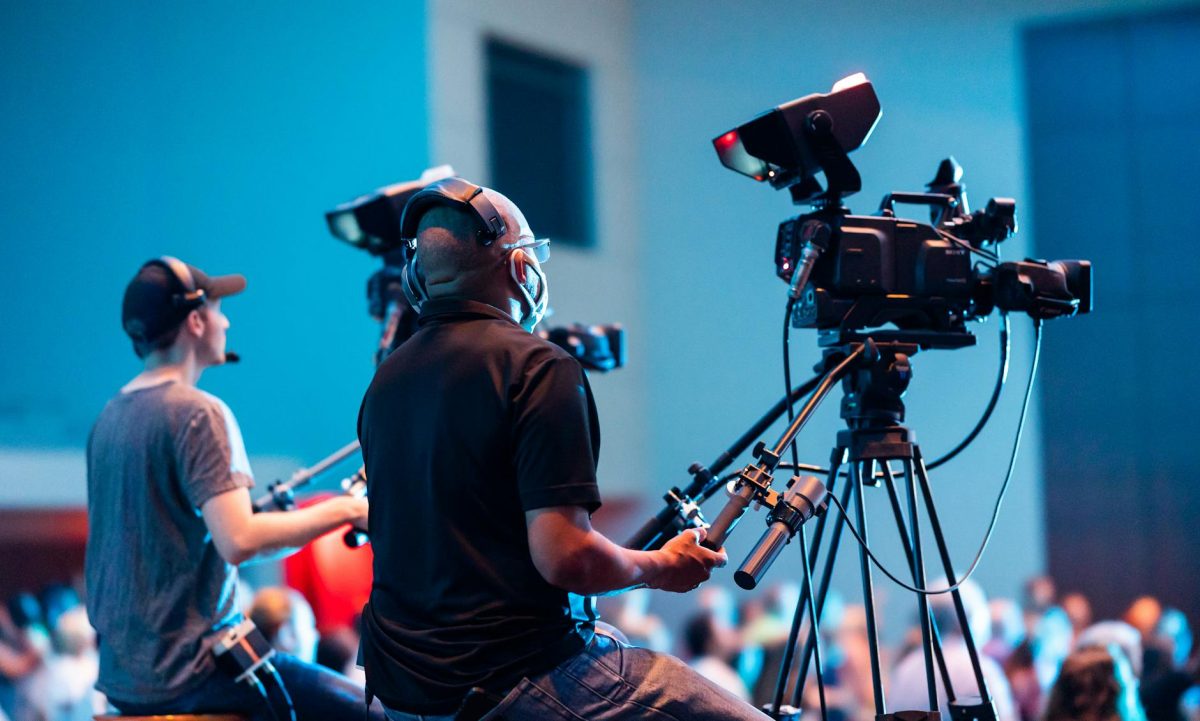
Are you a filmmaker looking to stay ahead of the curve when it comes to filmmaking technology? The Cannes Film Festival has highlighted the growing importance of AI in the film industry, but what does this mean for you? In this guide, you'll learn the 10 essential steps to using AI tools for film editing like a pro.
Step 1: **Choose Your AI Tool**
With so many AI-powered film editing software options available, it's essential to select the one that best suits your needs. Some popular choices include Adobe Premiere Pro, Final Cut Pro, and Avid Media Composer. Research each tool's capabilities and pricing before making a decision.
Step 2: **Understand AI's Role in Film Editing**
Before diving into the world of AI film editing, it's crucial to understand how AI can enhance your editing process. AI can help automate tasks, such as color correction and audio normalization, freeing up time for more creative pursuits. Familiarize yourself with the AI features available in your chosen tool.
Step 3: **Select Your Footage**
To get the most out of your AI tool, you'll need to select the right footage to work with. Choose clips that are high-quality, well-lit, and have a clear audio track. This will ensure that your AI tool can accurately analyze and process the footage.
Step 4: **Set Up Your Project**
Before starting your project, set up your AI tool with the necessary settings and preferences. This may include defining the project's resolution, frame rate, and color space. Consult your tool's documentation for specific instructions.
Step 5: **Import and Organize Your Footage**
Import your selected footage into your AI tool and organize it into a logical structure. This may involve creating folders, labeling clips, and setting up a project timeline. Use the tool's built-in features to streamline this process.
Step 6: **Apply AI-Powered Effects**
Once your footage is organized, it's time to apply AI-powered effects to enhance your edit. Use the tool's AI features to automate tasks such as color grading, noise reduction, and audio ducking.
Step 7: **Use AI for Automated Editing**
Many AI tools offer automated editing features that can help you create a cohesive edit in minutes. Use these features to generate a rough cut, which you can then refine and customize to your liking.
Step 8: **Refine and Customize Your Edit**
Review your automated edit and make any necessary adjustments to achieve the desired look and feel. Use the tool's features to fine-tune your edit, adding music, sound effects, and visual effects as needed.
Step 9: **Export and Render Your Final Cut**
Once you're satisfied with your edit, export and render your final cut. Use the tool's settings to ensure that your output meets the required specifications for distribution or playback.
Step 10: **Continuously Update and Improve**
The world of AI film editing is constantly evolving, with new features and tools emerging regularly. Stay up-to-date with the latest developments and continue to experiment and refine your skills to stay ahead of the curve.
To get the most out of your AI tool, experiment with different effects and settings to find the ones that work best for your project.
By following these 10 steps, you'll be well on your way to mastering the art of AI-powered film editing. Remember to stay up-to-date with the latest developments and continuously refine your skills to stay ahead of the curve. Happy editing!