How To Stay Safe Online During A Protest Guide 2026
Protect Yourself from Online Harassment and Unwanted Attention with These 7 Essential Steps
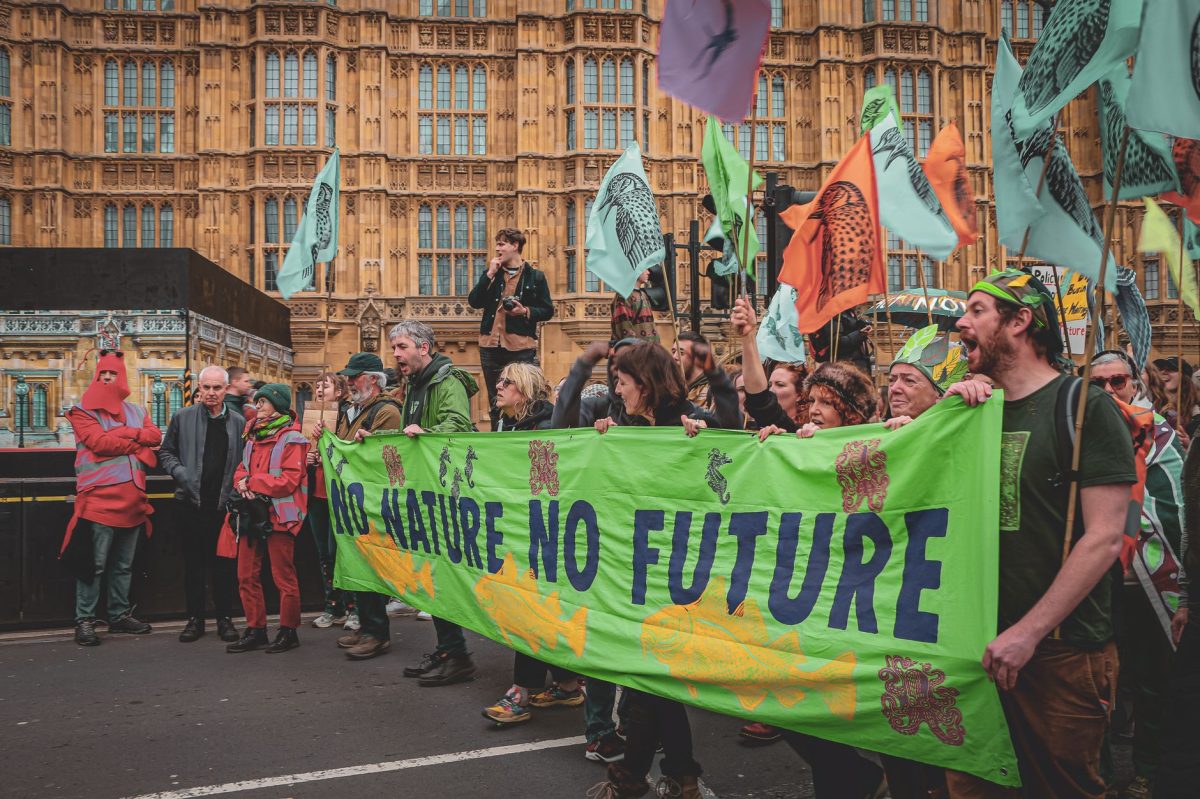
Are you worried about staying safe online during a protest or a contentious event? With the rise of social media and online activism, it's easier than ever to be targeted by online harassment. In this guide, you'll learn how to protect yourself from unwanted attention and ensure your online safety during a protest.
Step 1: **Secure Your Online Presence**
To stay safe online during a protest, start by securing your online presence. Use a virtual private network (VPN) like ExpressVPN to mask your IP address and protect your location. Set your social media accounts to private, and avoid posting sensitive information or updates that could be used against you. Finally, use a strong password manager like LastPass to protect your online accounts.
Step 2: Watch Your Back Online
Be cautious when sharing your location or checking in on social media, as this can be used to track your movements and identify your location. Use a location-sharing app like Find My Friends to keep track of your friends and allies, but avoid sharing your location publicly. You can also use a Tor Browser to browse the internet anonymously.
Step 3: Use **End-to-End Encryption**
Use end-to-end encryption apps like Signal or WhatsApp to communicate with friends and allies securely. These apps encrypt messages, voice calls, and video chats, making it impossible for anyone to intercept or listen in on your conversations. You can also use a secure messaging app like Threema to send encrypted messages.
Step 4: Be Aware of Your Digital Footprint
Your digital footprint refers to the data you leave behind online, including your online activity, location, and device information. Be aware of your digital footprint by using a browser extension like Ghostery to block trackers and ads. You can also use a privacy-focused browser like Brave Browser to protect your online activity.
Step 5: Don't Believe Everything You See Online
Not everything you see online is true or accurate. Be cautious when sharing or believing information online, especially during a protest or contentious event. Use fact-checking websites like Snopes or FactCheck.org to verify the accuracy of information before sharing it.
Step 6: Protect Your Device and Personal Data
Protect your device and personal data by using a reputable antivirus software like Avast or Norton. Keep your device up to date with the latest security patches, and avoid using public Wi-Fi or unsecured networks. You can also use a password-protected lock to secure your device and prevent unauthorized access.
Step 7: Stay Informed and Adapt
Stay informed about online safety and protest safety by following reputable sources and experts in the field. Adapt your safety strategy as needed, and be prepared to take action if you feel threatened or harassed online.
Remember, online safety is not a one-time task – it's an ongoing process that requires constant vigilance and adaptation.
By following these 7 essential steps, you can stay safe online during a protest and protect yourself from unwanted attention. Remember to always be cautious and adapt your safety strategy as needed. Stay safe online and stay informed.