How To Keep Children Safe Online in 2026 7 Steps
Protect your kids from inappropriate content and inadequate moderation on popular social media platforms
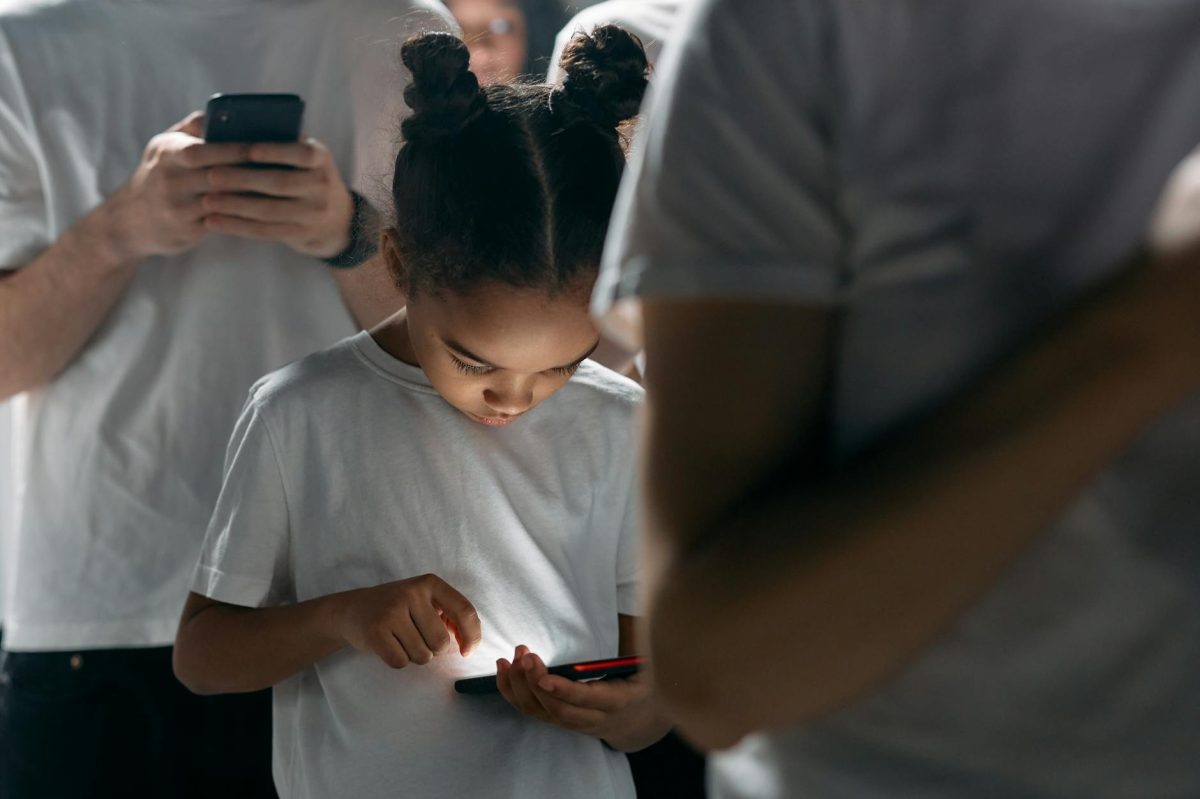
As a parent, protecting your children from the dangers of the internet is a top priority. With the rise of social media, it's easier than ever for kids to stumble upon inappropriate content. In this guide, we'll show you how to keep your kids safe online in 2026 with 7 simple steps. By following these steps, you'll be able to create a safe and secure online environment for your child to explore and learn.
Step 1: **Configure** Parental Controls on Your Child's Devices
The first step in keeping your child safe online is to configure parental controls on their devices. This can be done through your device's settings or through a third-party app like Qustodio. Set up a PIN or password to restrict access to certain websites, apps, and features. For example, you can block access to TikTok or YouTube on your child's device until they're old enough to use them safely.
Step 2: **Install** a Kid-Friendly Browser or Search Engine
A kid-friendly browser or search engine can help protect your child from inappropriate content. Google has a built-in SafeSearch feature that filters out explicit results. You can also consider using a browser like Kiddle, which is designed specifically for kids. Set up a default search engine on your child's device to ensure they don't stumble upon anything inappropriate.
Step 3: **Monitor** Your Child's Online Activity
Monitoring your child's online activity is crucial to keeping them safe. Use a tool like Net Nanny to track their browsing history, monitor their screen time, and block access to certain websites. Set up regular check-ins with your child to discuss their online experiences and address any concerns they may have.
Step 4: **Educate** Your Child About Online Safety
Educating your child about online safety is essential to creating a safe and secure online environment. Teach your child about online etiquette, cyberbullying, and digital citizenship. Use online resources like Common Sense Media to learn more about online safety and create a plan to discuss it with your child.
Step 5: **Use** a Child-Friendly Social Media Platform
If your child is old enough to use social media, consider using a child-friendly platform like Kidblog or Seesaw. These platforms allow kids to interact with their peers while being protected from cyberbullying and inappropriate content. Set up strict guidelines for your child's social media use, including rules for online interactions and content sharing.
Step 6: **Set** Up a Guest Network on Your Router
Setting up a guest network on your router can help keep your child's devices separate from the rest of your network. This can help prevent your child's devices from accessing certain websites or apps that you've blocked. Use your router's settings to create a guest network and set up strict rules for access.
Step 7: **Regularly** Update Your Devices and Software
Regularly updating your devices and software can help keep your child's devices safe from cyber threats. Use your device's settings to check for updates and install the latest security patches. Consider using a tool like Malwarebytes to scan your devices for malware and other online threats.
Don't just set up parental controls and expect everything to be okay. Regularly check in with your child to discuss their online experiences and address any concerns they may have.
By following these 7 steps, you'll be able to create a safe and secure online environment for your child to explore and learn. Remember to regularly check in with your child and update your devices and software to ensure their online safety. With these steps, you'll be well on your way to keeping your kids safe online in 2026.